Lock Your Tablet to
Only Run Billing.
Stop your counter staff from watching YouTube or playing games. Turn any standard Android tablet into a dedicated, highly secure laundry POS machine.
Don't have a tablet yet?
We sell fully configured hardware packages. We will lock the tablet, connect the printers, and ship it to your shop ready to use.
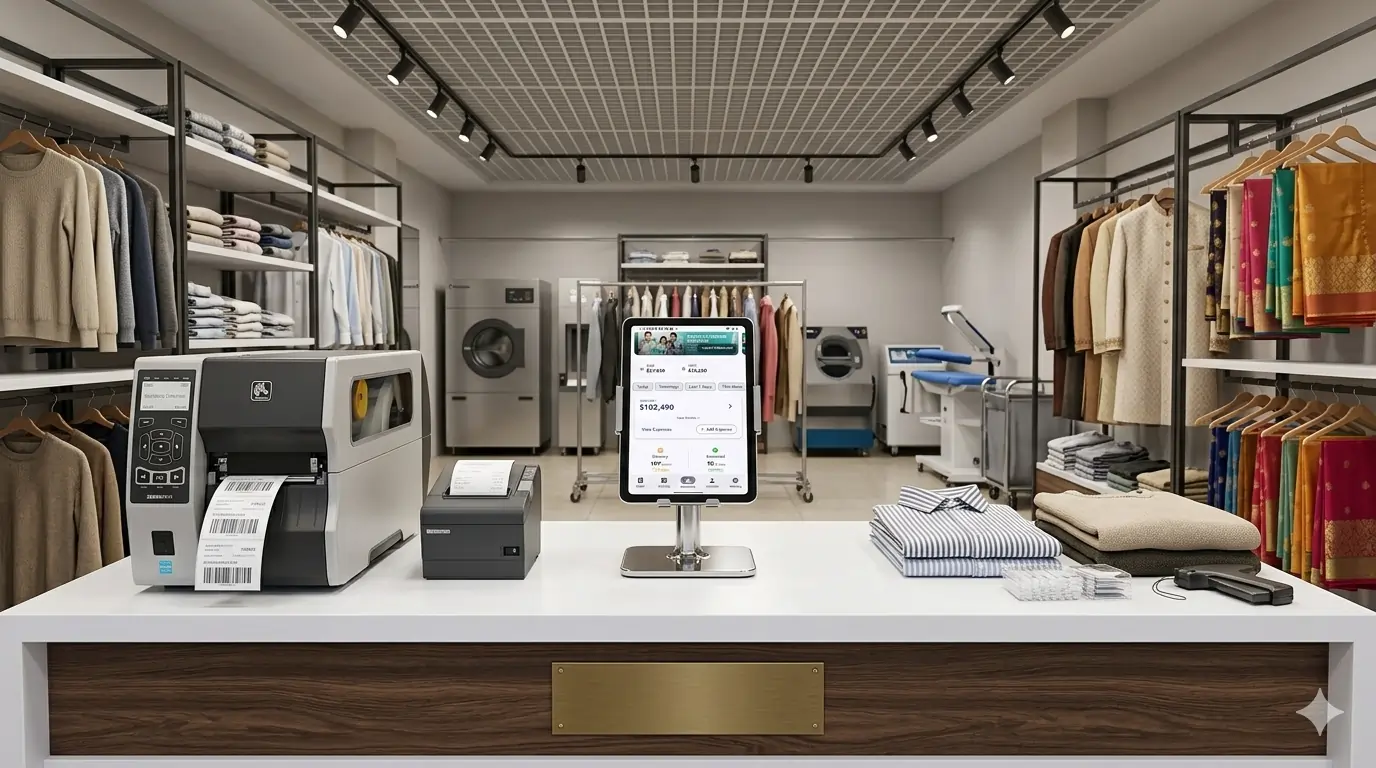
Total Device Control
Everything you need to secure your shop counter.
Locked to One App
The tablet stays locked on the billing screen 24/7. No other apps can be opened or downloaded.
Buttons Disabled
Blocks the Home button, Back button, and stops staff from swiping down the notification bar.
No Distractions
Staff cannot access WiFi settings, turn off Bluetooth, or play games on the shop counter.
Auto-Restart Safe
If the tablet battery dies and restarts, the app automatically re-launches and locks itself instantly.
Secret Owner PIN
Only you (the shop owner) can unlock the tablet using a secret 4-digit PIN to access normal settings.
Works on Any Android
Runs perfectly on cheap Samsung, Lenovo, Vivo, or Xiaomi Android tablets and phones.
Set it up in 5 minutes.
You do not need to hire an IT expert or a hacker. Our app uses Google's official security system to lock your hardware instantly and safely.
"Since switching to Kiosk Mode, my staff is 100% focused on customers. There are no more hidden games or personal calls happening on the shop's billing phone."
Erase the Tablet
Start with a completely fresh, factory-reset Android device to make it 100% secure.
Tap the Screen
On the very first "Welcome" screen, tap the empty space 6 times to open a hidden camera scanner.
Scan Your QR Code
Scan the special setup QR Code we send to your registered owner email address.
Auto-Download
Sit back. The tablet will automatically connect, download the app, and lock the system.
Set Your PIN
Open the app settings and set your secret 4-digit PIN so staff cannot exit the screen.
Frequently Asked Questions
Can my staff find a way to bypass the lock?
No. When locked in Kiosk Mode, the Home and Back buttons are completely disabled. Staff cannot switch apps or open phone settings. Even if they restart the tablet, the billing screen comes right back up.
Do I need to "root" or hack my tablet to do this?
No. Our app uses the official Android security system built by Google. Your device warranty remains 100% safe, and you do not need any technical skills.
What happens if I forget my secret PIN?
If you forget the PIN, you can unlock the tablet using your saved Fingerprint (if your tablet has a scanner) or contact our support team to securely reset it from the cloud.
Does it block incoming phone calls?
Yes. It turns the device into a dedicated billing machine. It blocks standard phone calls and text messages so the counter is never distracted during customer billing.
Secure Your Shop Today.
Get total peace of mind knowing your hardware is being used strictly for business.