ATPOS Thermal Printer (3-Inch)
Bluetooth & USB | Auto-Cuts the paper.
Stop losing clothes to washed-out tags. Upgrade to a premium digital setup or source industry-standard hardware to scale your operations.
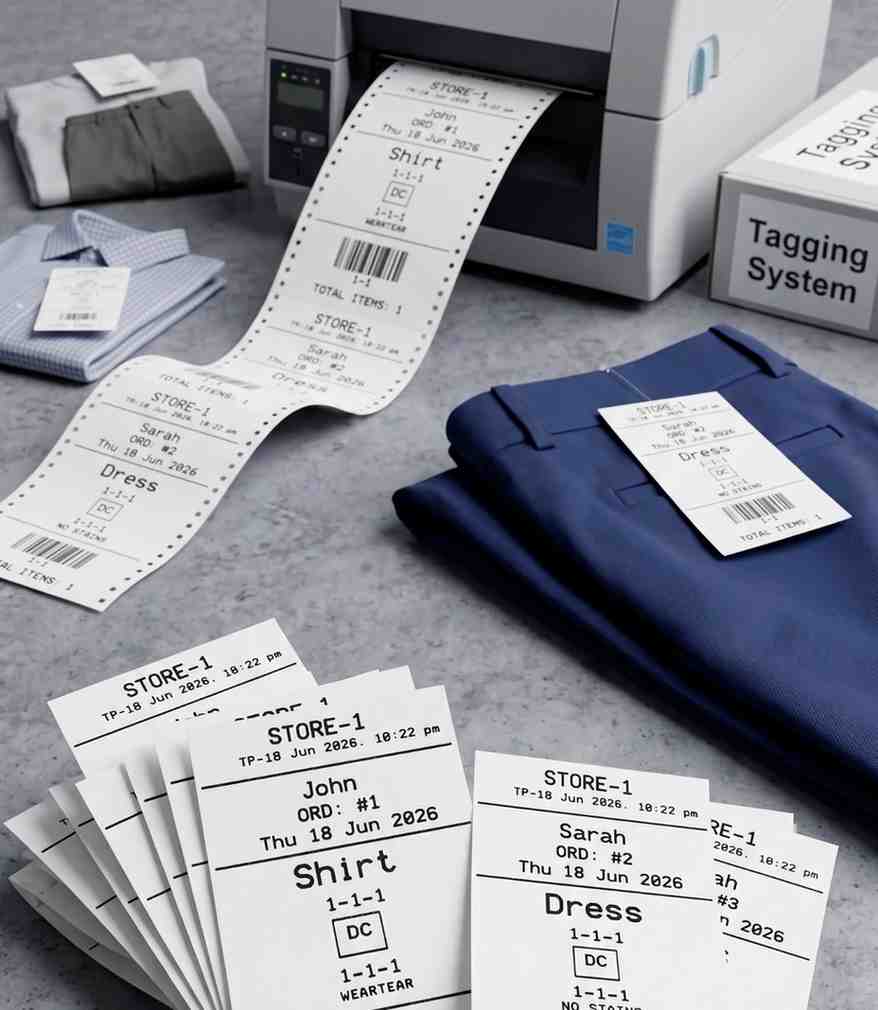
Fast printers for giving standard bills to customers.
Bluetooth & USB | Auto-Cuts the paper.
Bluetooth & USB | Small and portable.
Heavy-duty printers for making waterproof Taffeta clothes tags.
USB connection | The industry standard for printing on washable Taffeta.
The exact paper and ink you need so tags survive the wash.
For ATPOS printers. Box of 10 rolls.
Waterproof material to be punched with a tag gun. 1 Roll.
Special ink that does not wash off in water.